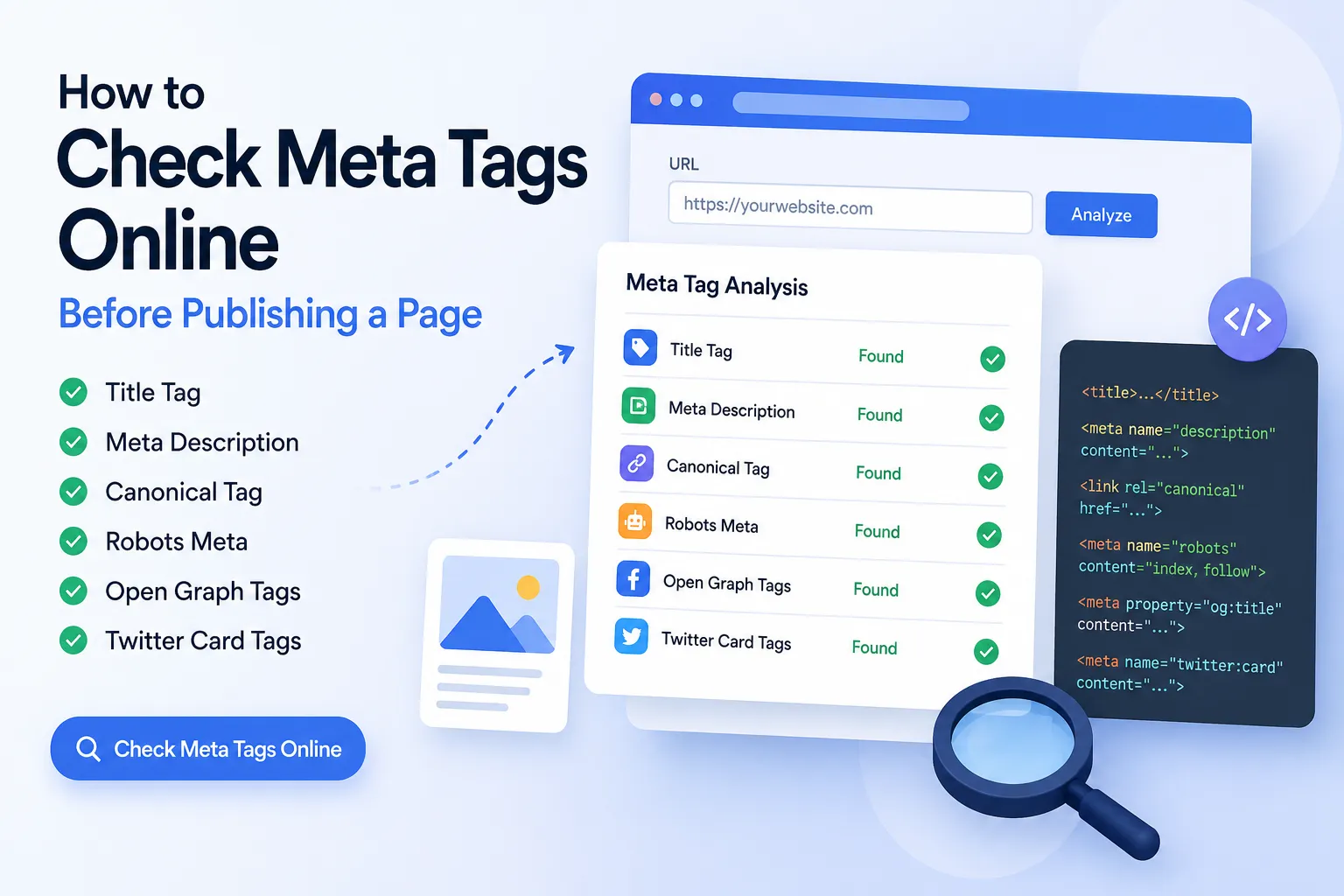
Before you publish a new page, you should check meta tags online to make sure search engines and social platforms can read the page correctly. A weak title tag, missing meta description, wrong canonical tag, accidental noindex setting, or broken Open Graph preview can reduce clicks even when your content is good.
You can check meta tags online with the free NasajTools Meta Tag Analyzer before publishing or sharing your page.
What Are Meta Tags?
Meta tags are pieces of HTML code that give search engines, browsers, and social platforms important information about a webpage. Users usually do not see these tags directly on the page, but they can affect how your page appears in Google, Facebook, LinkedIn, X/Twitter, and other platforms.
The most important meta tags include the title tag, meta description, canonical tag, robots meta tag, Open Graph tags, and Twitter Card tags. If these are missing, duplicated, too long, or written poorly, your page may look weak in search results or social previews.
Why You Should Check Meta Tags Before Publishing
Publishing a page without checking its meta tags is a sloppy mistake. You might have good content, but if the title is too long, the description is missing, or the social preview image is broken, your page can lose clicks before users even visit it.
A quick meta tag check helps you find these problems before Google or social platforms crawl the page. This is especially important for blog posts, landing pages, product pages, service pages, and SEO-focused content.
How to Check Meta Tags Online
The easiest way to check meta tags online is to use a meta tag analyzer. You do not need to inspect the source code manually unless you want to debug something deeper.
- Copy the full URL of the page you want to check.
- Open the free meta tag analyzer.
- Paste the URL into the tool.
- Run the scan.
- Review the title tag, meta description, canonical tag, robots meta tag, Open Graph tags, and Twitter Card tags.
- Fix any missing, duplicated, weak, too short, or too long metadata.
- Test the page again after making changes.
Title Tag: The First Thing to Check
The title tag is one of the most important SEO elements on a page. It is usually shown as the main clickable headline in search results. A strong title tells users and search engines what the page is about.
Bad title tags are usually too generic, too long, duplicated across many pages, or missing the main search intent. If your title does not clearly match the topic of the page, your click-through rate can suffer.
For this blog post, the main intent is clear: users want to check meta tags online before publishing a page. That is why the title should include the main keyword naturally.
Meta Description: Your Search Result Pitch
The meta description does not directly guarantee higher rankings, but it can affect whether people click your result. A weak description can make your page look unclear or low value in search results.
A good meta description should explain what the page offers, include the main topic naturally, and give users a reason to click. Avoid stuffing keywords. Google can rewrite descriptions, but a strong one still gives search engines better content to work with.
Use a character counter to check title and meta description length before publishing. Do not guess. Guessing is lazy.
Canonical Tag: Prevent Duplicate URL Confusion
The canonical tag tells search engines which version of a page should be treated as the main version. This matters when the same or similar content is available through multiple URLs.
If the canonical tag is missing or points to the wrong page, Google may index the wrong URL or split ranking signals between duplicates. That is not a small issue. It can weaken the performance of pages that should be ranking.
Robots Meta Tag: Check for Accidental Noindex
The robots meta tag can tell search engines whether a page should be indexed or followed. A common mistake is leaving a page as noindex after development or testing.
If an important page has an accidental noindex tag, it may not appear in Google at all. Before publishing any serious page, check the robots meta tag and make sure it matches your indexing goal.
For deeper guidance on how Google uses page titles and snippets, you can also review the official Google Search Central title link documentation.
Open Graph Tags: Control Facebook and LinkedIn Previews
Open Graph tags help control how your page appears when shared on platforms like Facebook and LinkedIn. These tags usually include the social title, description, URL, image, and content type.
If your Open Graph image is missing, too small, or wrong, your shared link can look unprofessional. If the title or description is weak, people are less likely to click. This is basic, but many sites still get it wrong.
Twitter Card Tags: Improve X/Twitter Link Previews
Twitter Card tags control how your page appears when shared on X/Twitter. They can define the card type, title, description, and image.
If Twitter Card data is missing, the platform may use fallback information or show a poor preview. For content that will be shared on social media, this should be checked before publishing.
What to Fix First After Checking Meta Tags
Do not waste time fixing tiny issues before major ones. Start with the problems that can hurt indexing, search snippets, and social previews the most.
- Missing title tag: Add a clear, unique title for the page.
- Title too long or too short: Rewrite it so it is specific and readable.
- Missing meta description: Add a useful summary that encourages clicks.
- Duplicate meta description: Make the description unique for that page.
- Missing canonical tag: Add the correct canonical URL.
- Accidental noindex: Remove noindex from pages that should rank.
- Missing Open Graph image: Add a proper social preview image.
- Missing Twitter Card data: Add Twitter title, description, image, and card type.
Common Meta Tag Mistakes
Most meta tag problems are not complicated. They come from carelessness, bad templates, copied pages, or publishing too fast without checking the final result.
- Using the same title on many pages.
- Writing vague titles like “Home” or “Services”.
- Leaving the meta description empty.
- Writing descriptions that are too generic to earn clicks.
- Forgetting canonical tags on important pages.
- Leaving test pages as noindex.
- Using missing or broken Open Graph images.
- Ignoring Twitter Card previews.
- Publishing pages without testing how they appear in search and social platforms.
Meta Tag Analyzer vs Full SEO Analyzer
A meta tag analyzer focuses on metadata. It helps you check title tags, descriptions, canonical tags, robots meta, Open Graph, and Twitter Card data.
A full SEO analyzer checks a broader set of on-page SEO issues. After fixing your metadata, you should also run a full SEO analysis to review headings, links, images, and other SEO signals.
Tools That Help You Improve Metadata
You do not need a complicated SEO stack for basic checks. Start with simple tools and fix obvious problems first.
- Meta Tag Analyzer — check page metadata, social tags, canonical, and robots meta.
- SEO Analyzer — review broader on-page SEO issues.
- Character Counter — check title and meta description length.
- Text Analyzer — review your page copy and text structure.
Final Checklist Before Publishing
Before publishing a page, run through this checklist. Do not skip it just because the page “looks fine.” Search engines and social platforms do not judge your page only by how it looks in the editor.
- The title tag is unique and includes the main topic.
- The meta description is clear and useful.
- The canonical URL points to the correct page.
- The robots meta tag does not block indexing by mistake.
- Open Graph title, description, and image are present.
- Twitter Card tags are present.
- The page preview looks good when shared.
- The page has been tested again after edits.
If you want a fast check, use the NasajTools Meta Tag Analyzer before publishing your next page.
FAQ
What is a meta tag?
A meta tag is a piece of HTML that gives search engines, browsers, and social platforms information about a webpage. Common examples include the title tag, meta description, canonical tag, robots meta tag, Open Graph tags, and Twitter Card tags.
How can I check meta tags online?
You can check meta tags online by entering a page URL into a meta tag analyzer. The tool reads the page metadata and shows title tags, descriptions, canonical tags, robots meta, Open Graph data, and Twitter Card information.
What meta tags should I check before publishing?
Before publishing, check the title tag, meta description, canonical tag, robots meta tag, Open Graph title, Open Graph description, Open Graph image, Twitter Card type, Twitter title, Twitter description, and Twitter image.
Why is my social preview showing the wrong title or image?
Your social preview may show the wrong title or image if Open Graph or Twitter Card tags are missing, outdated, duplicated, or cached by the social platform. Fix the tags first, then test or refresh the preview.
Does a meta description affect SEO?
A meta description is not a direct ranking guarantee, but it can affect click-through rate because it often appears in search snippets. A clear description can help users understand the page and decide to click.
What should I fix first after checking meta tags?
Fix missing or weak title tags first, then missing meta descriptions, accidental noindex tags, incorrect canonical tags, and broken Open Graph or Twitter Card previews.
Is the NasajTools Meta Tag Analyzer free?
Yes. The NasajTools Meta Tag Analyzer is free to use for checking basic metadata and social preview tags on public webpages.