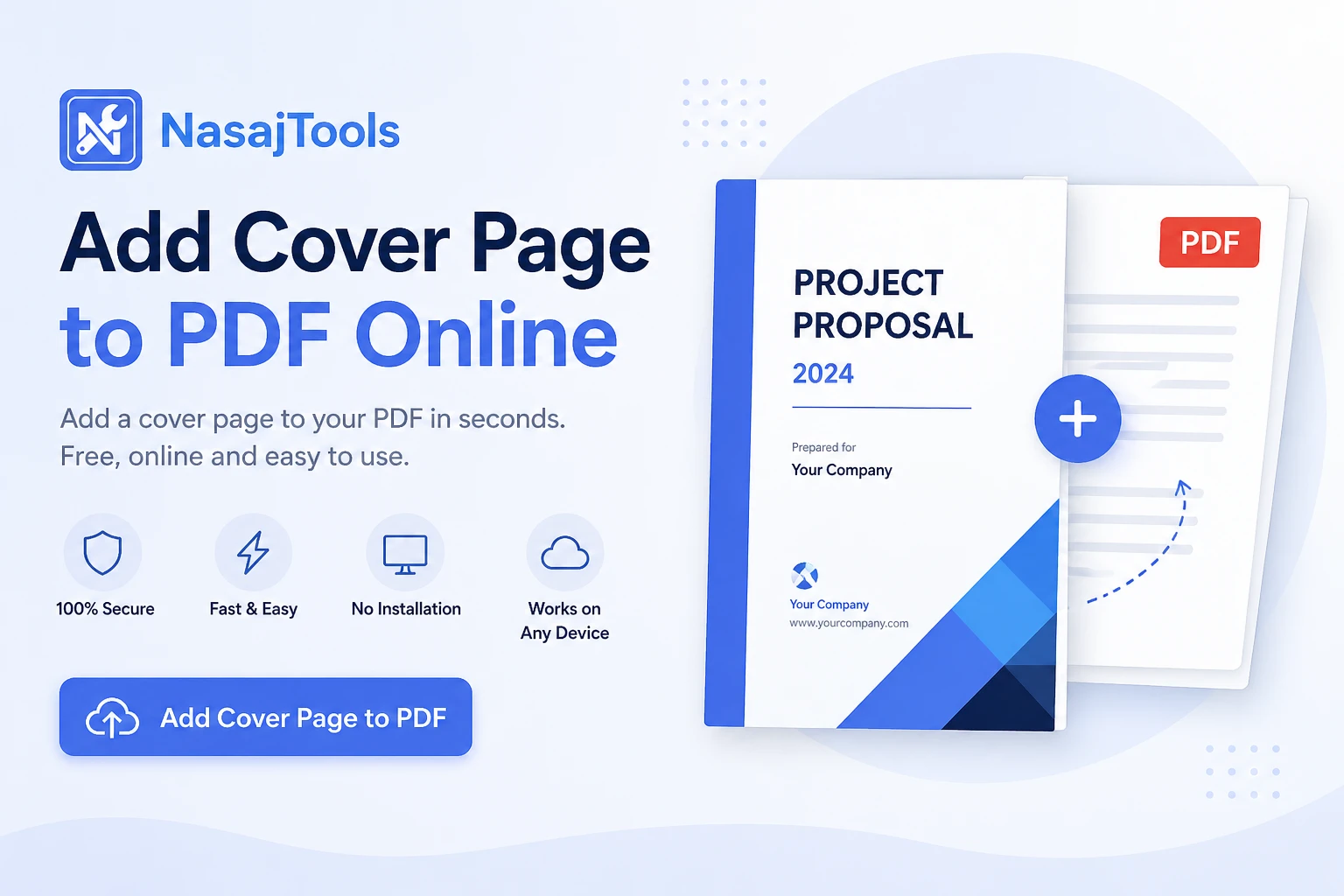
A cover page is the first thing people notice when opening a PDF document. Whether you’re preparing a business proposal, academic assignment, ebook, or client report, a clean cover page instantly makes your document look more professional and well-organized.
If you want to add cover page to PDF online, this free tool helps you do it quickly without installing any software.
If you need to add a cover page to PDF files without installing software or paying for expensive editors, online tools are the fastest and easiest solution. With the Add Cover Page to PDF tool from NasajTools, you can insert a professional cover page securely and in just a few clicks.
Why Add a Cover Page to a PDF?
Adding a cover page is not just about design — it improves clarity, structure, and credibility. Many PDFs look incomplete or confusing without a proper first page.
Key benefits of adding a cover page include:
- Creating a strong first impression
- Showing the document title, author, or company name
- Organizing long PDF files
- Improving readability for clients or teachers
- Making documents look more professional
When you add a cover page to PDF documents, they immediately look more polished and trustworthy.
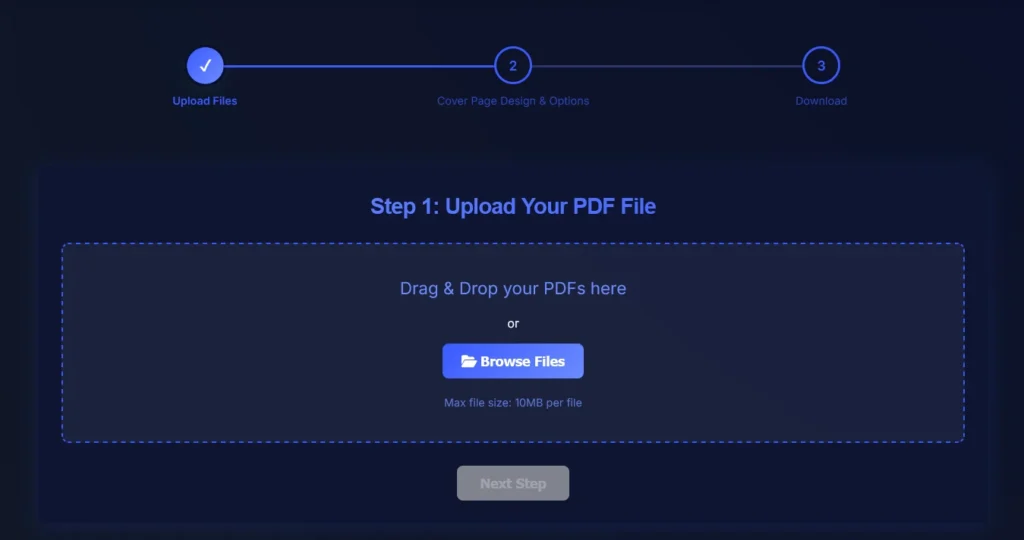
Upload your PDF, choose a cover page, and download the updated file.When Do You Need to Add a Cover Page to a PDF?
People usually search for an add cover page to PDF online tool in situations like:
- Adding a title page to business reports
- Inserting branded covers for proposals
- Creating a front page for ebooks or guides
- Adding course or student details to assignments
- Preparing PDFs for printing or sharing
Instead of recreating the entire document, adding a cover page is the fastest and safest solution.
How to Add a Cover Page to PDF Online
You don’t need any technical skills to add a cover page.
Steps:
- Upload your existing PDF file
- Upload or select the cover page you want to add
- Apply the change and download the updated PDF
The cover page is automatically added as the first page, while the rest of your document stays unchanged.
Add Cover Page to PDF – Quick Overview
Tool type: Online PDF cover page tool
Cost: Free
Installation: Not required
Watermark: No
Device support: All devices
Security: Secure file processing
This makes it one of the easiest ways to add a title page to a PDF online.
Related PDF Tools You May Need
If your document needs more formatting or structure, these tools can help after you add a cover page:
- Add Page Numbers to PDF — make longer PDFs easier to read and reference.
- Add Header and Footer to PDF — add document titles, dates, page labels, or company information
- Merge PDF Files — combine your cover page PDF with reports, forms, invoices, or other documents.
- Compress PDF — reduce the final file size before email, upload, or sharing.
- Sign PDF Online — add a signature to contracts, forms, approvals, or business documents.
- Browse all PDF tools — find more tools for editing, organizing, and preparing PDF files
Is It Safe to Add a Cover Page to PDF Online?
Yes. Trusted platforms like NasajTools use secure HTTPS connections and automated processing. Files are handled automatically and are not manually accessed or stored longer than necessary.
For highly sensitive documents, always review the privacy policy before uploading.
For more information about PDF standards, visit Adobe’s official PDF documentation:
https://www.adobe.com/acrobat/about-adobe-pdf.html
Final Thoughts
A cover page may seem like a small detail, but it makes a big difference in how your document is perceived. Instead of using complex software, you can add a cover page to PDF online for free in seconds.
Use the Add Cover Page to PDF tool on NasajTools to give your documents a clean, professional finish.