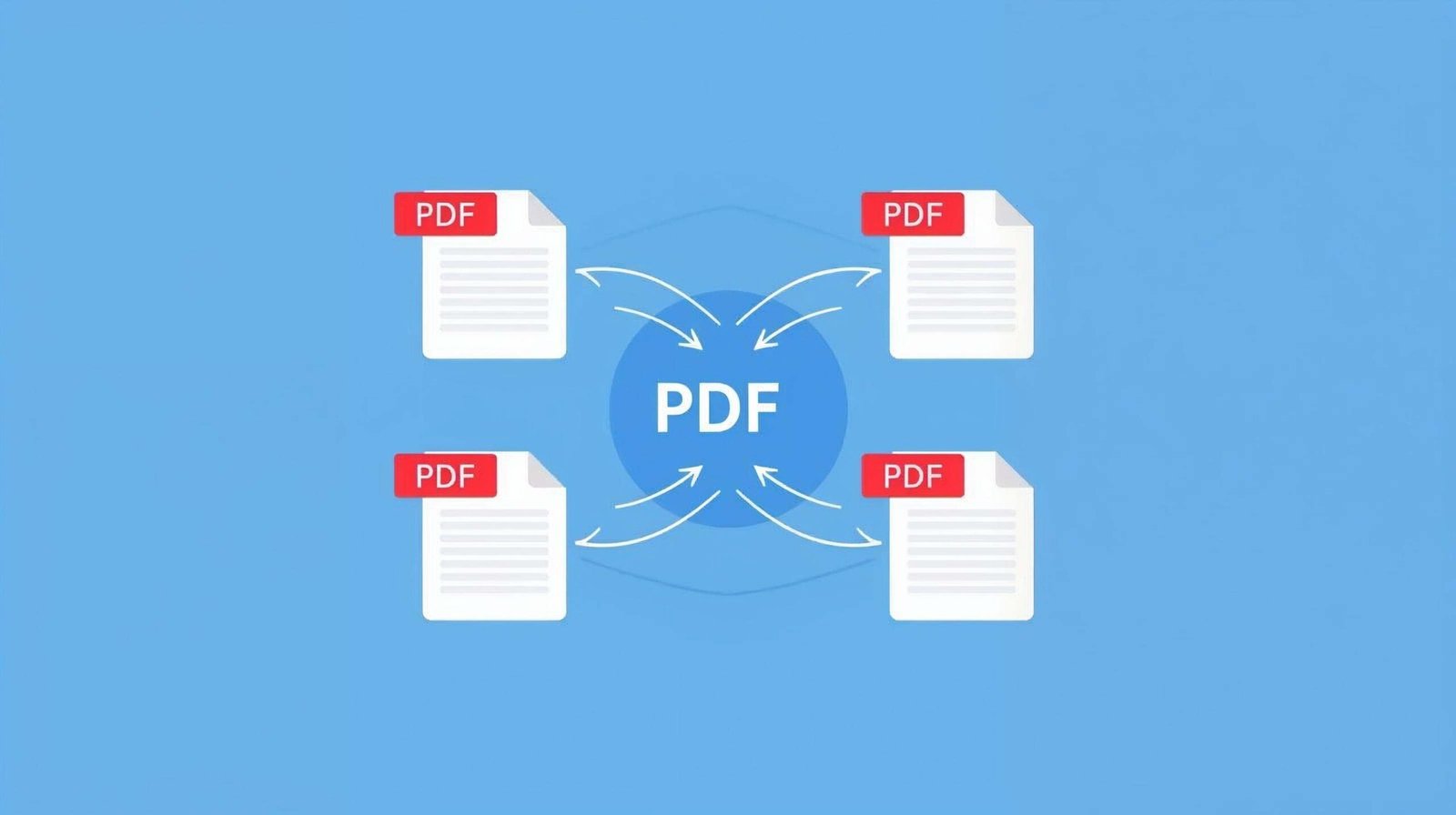
Working with multiple PDF files can quickly become messy. You may have separate invoices, scanned documents, chapters, or reports that need to be combined into one clean, organized file. Sending or storing many PDFs separately is not always practical.
If you need to merge PDF files quickly without installing software or paying for expensive PDF editors, online tools are the easiest solution. With the Merge PDF tool from NasajTools, you can combine multiple PDF files into a single document in just a few clicks — securely and for free.
Why Merge PDF Files?
Merging PDFs helps you keep documents organized and easier to manage. Instead of handling multiple files, you can create one complete PDF that is simple to share, store, or print.
Main benefits of merging PDF files include:
- Combining multiple documents into one file
- Keeping related files organized
- Making sharing and emailing easier
- Improving document flow and structure
- Reducing file clutter
When you merge PDF files into one document, everything stays in the correct order and looks more professional.
When Do You Need to Merge PDF Files?
People usually search for a merge PDF online tool in situations such as:
- Combining multiple invoices into one PDF
- Merging scanned documents into a single file
- Joining chapters of a report or ebook
- Creating one document from several attachments
- Preparing documents for printing or archiving
- Sending one PDF instead of many separate files
Instead of opening and saving each file manually, merging PDFs saves time and effort.
How to Merge PDF Files Online
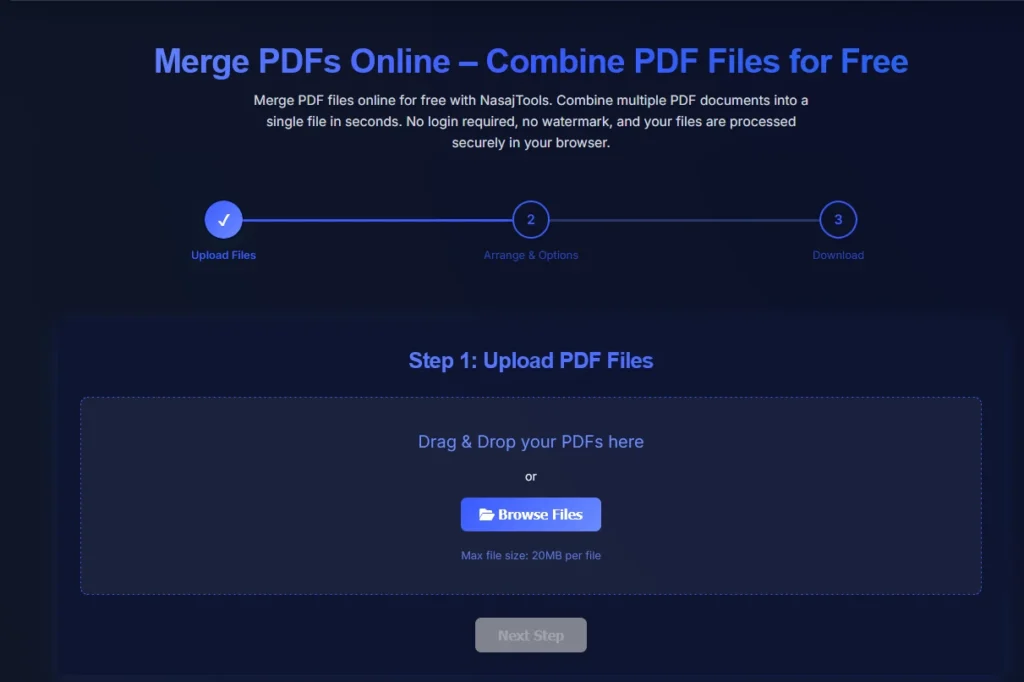
You don’t need technical or design skills to combine PDFs.
Steps:
- Upload all PDF files you want to merge
- Arrange the files in the correct order
- Merge and download the combined PDF
The tool combines all selected PDFs into one file while keeping the original quality intact.
Merge PDF – Quick Overview
Tool type: Online PDF merge tool
Cost: Free
Installation: Not required
Watermark: No
Device support: All devices
Security: Secure file processing
This makes it one of the easiest ways to merge PDF files online.
Why Use an Online PDF Merge Tool?
Online PDF tools are designed for speed, simplicity, and accessibility.
No software installation
You can merge PDF files directly in your browser.
Works on any device
Compatible with Windows, macOS, Linux, tablets, and mobile phones.
Fast and efficient
Merge multiple PDFs in seconds.
Easy to use
Simple interface with no learning curve.
Secure file handling
Files are processed automatically and not stored longer than necessary.
Is It Safe to Merge PDF Files Online?
Security is a common concern when uploading documents.
Trusted platforms like NasajTools use secure HTTPS connections and automated processing systems. Files are not manually accessed and are removed after processing.
For sensitive documents, always review the privacy policy before uploading.
PDF files are widely supported and recommended for document sharing, according to Google’s official documentation.
Merge PDF vs Combine PDF – Is There a Difference?
Many people use “merge” and “combine” interchangeably, and in most cases they mean the same thing.
Merge PDF files:
- Joins multiple PDFs into one document
- Keeps all pages in sequence
- Best for creating a single complete file
Combine PDF files:
- Often refers to the same action
- May also include reordering pages
In practice, both terms describe joining PDFs into one file.
Merge PDF vs Split PDF – What’s the Difference?
These tools serve opposite purposes.
Merge PDF:
- Combines multiple PDFs into one file
- Best for organizing documents
Split PDF:
- Separates one PDF into multiple files
- Best for breaking large documents
Choose the tool based on whether you want to join or separate files.
Who Should Use a PDF Merge Tool?
This tool is useful for:
- Students and teachers
- Business professionals
- Freelancers and consultants
- Office and administrative staff
- Anyone working with multiple PDF files
If you regularly handle PDFs, merging files saves time and keeps documents organized.
Best Practices for Merging PDF Files
To get the best results:
- Arrange files in the correct order before merging
- Check the final PDF after merging
- Keep original files as backups
- Combine only related documents
- Use page numbers after merging for clarity
Following these tips ensures a clean and professional merged PDF.
Related PDF Tools You May Need
For complete PDF management, you may also find these tools helpful:
These internal links improve user experience and strengthen SEO.
Final Thoughts
Merging PDF files is one of the simplest ways to organize documents and reduce clutter. Instead of managing multiple files, you can merge PDF files online for free in just a few clicks.
Use the Merge PDF tool on NasajTools to combine your PDF files quickly, securely, and without watermarks.