Resize Image Online Free

Resize an image online in a few seconds. Upload your photo, change image size by width and height, resize by percentage or target file size, and download the resized image directly from your browser.

Use this image resizer to resize JPG, PNG, WebP, and common photo files for websites, social media, forms, and everyday uploads.

Works in your browser · No upload required · Fast and private

Resize photo dimensions by pixels, percentage, or file size while keeping control over the final output.

Works in your browser
No upload required
Fast and private resizing
1 Upload
2 Settings
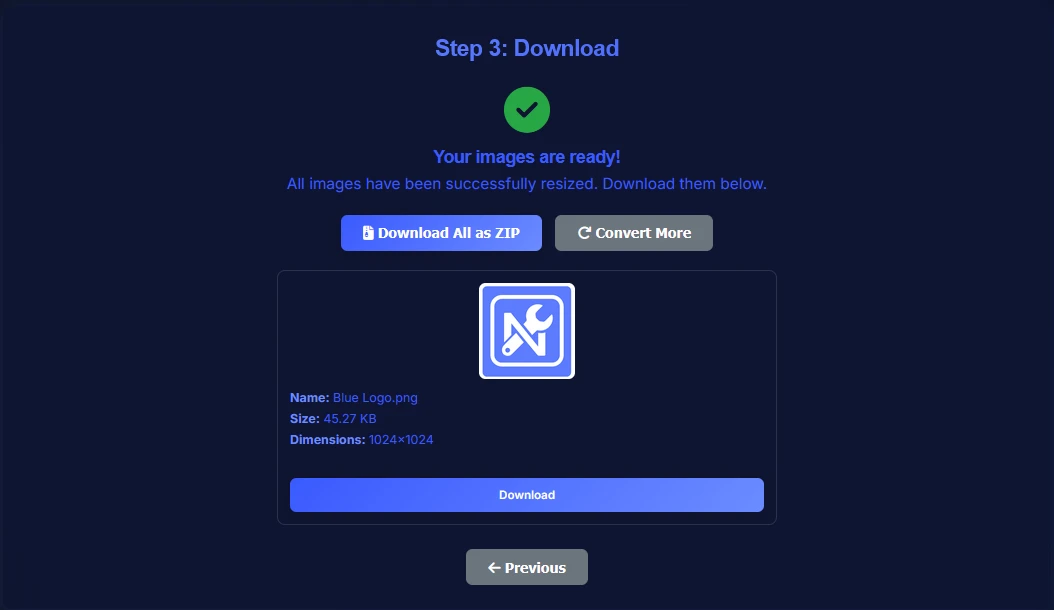
3 Download

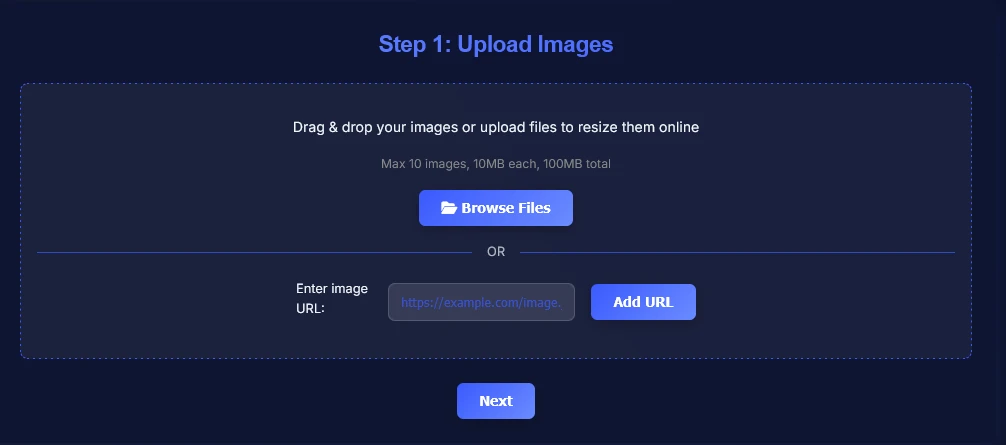
Step 1: Upload Images

Upload your image and resize it to the exact size you need in seconds.

Drag & drop your image or upload files to resize them online
Resize images by pixels, percentage, or file size. Max 10 images, 10MB each, 100MB total.
OR
How to Use Image Resizer Online

Follow these simple steps to resize image online for exact dimensions, better quality control, and faster publishing.

1

Upload your image from your device, or add multiple files if you want to resize several images in one session.

Upload image to resize online using image resizer tool
2

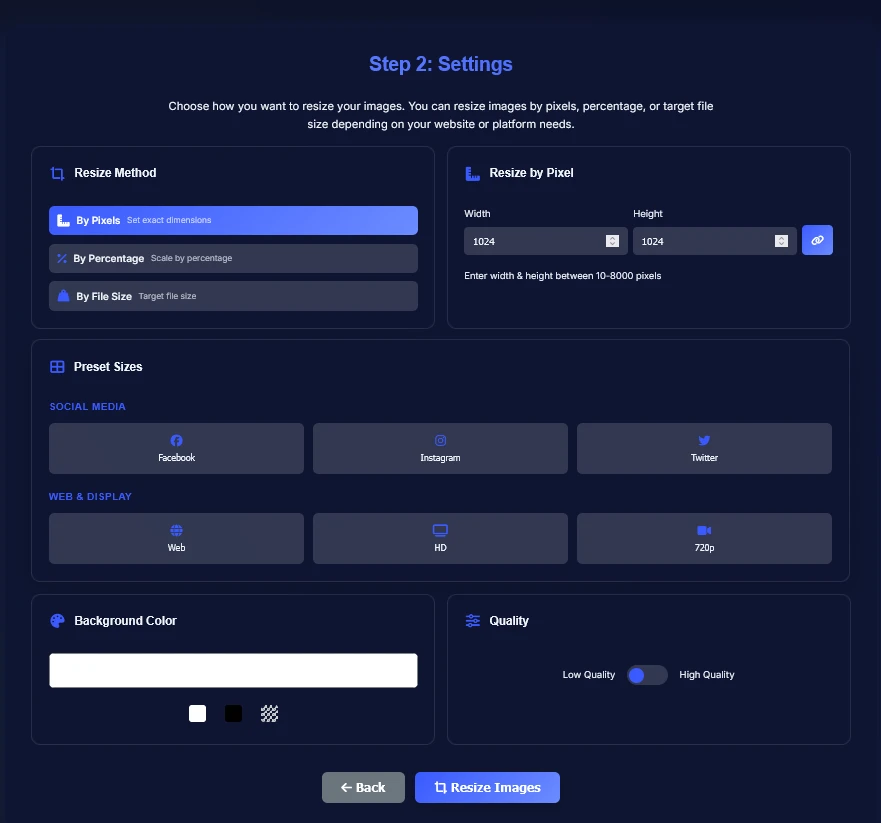
Choose resize settings by pixels, percentage, or target file size, then use presets when you need sizes for websites or social platforms.

Set image width and height using image resizer online
3

Download the resized image once it is ready and use it for websites, social media, email, or other exact-dimension uploads.

Download resized image after resizing

When to Use This Online Image Resizer

Use this online image resizer for website images, social media posts, profile pictures, upload forms, email attachments, documents, ecommerce product images, thumbnails, and banners.

Exact dimensions help images fit the space you need without opening a full design app.

Resize Image vs Compress Image

Resizing changes the width and height of an image. Compression reduces file size.

A smaller image often has a smaller file size, but if your main goal is reducing file size while keeping the same dimensions, use the Image Compressor.

Image Size Options: Pixels, Percentage and File Size

Set exact width and height in pixels, scale the image by percentage, or choose a target file size for upload limits.

These options are useful for forms, platforms, emails, product pages, and content management systems.

Image Resizer for JPG, PNG and WebP

Resize JPG, PNG, WebP, and other common image files used across websites, marketplaces, documents, and social platforms.

If you need a different output format after resizing, use the Image Converter or the JPG to WebP Converter.

Image Resizer FAQ

Practical answers about resizing images online for websites, social media, and exact-dimension uploads.

How do I resize an image online?
Upload your image, choose your resize settings, and download the resized file when it is ready. You can resize by pixels, percentage, or target file size.
Can I resize a JPG image?
Yes. Upload a JPG file, set the width and height, percentage, or target file size, and download the resized JPG when processing is finished.
Can I resize a photo for social media?
Yes. You can use the built-in presets or enter custom dimensions for social media posts, profile pictures, thumbnails, and banners.
Does resizing an image reduce file size?
Often, yes. Reducing width and height usually lowers file size, but if you need to reduce file size while keeping the same dimensions, use the Image Compressor.
Can I change image width and height in pixels?
Yes. Choose the pixel resize method, enter the width and height you need, and keep aspect ratio locked when you want proportional resizing.
Are my images uploaded to a server?
No. Your image files are processed in your browser, so local files do not need to be uploaded to a server for resizing.
What is the difference between an image resizer and an image compressor?
An image resizer changes width and height. An image compressor reduces file size, usually by optimizing quality or encoding.
Is this image resizer free?
Yes. You can resize image online for free with the current tool and download the result after processing.

Related Image Tools

Use related image tools to keep optimizing your files after resizing.