Have you ever looked at a stunning photograph and wondered, “How on earth did they get that shot?” Or maybe you’ve dug up an old family picture and wished you knew exactly when or where it was taken.
The answers are usually hiding right there in the file, tucked away in what we call metadata.
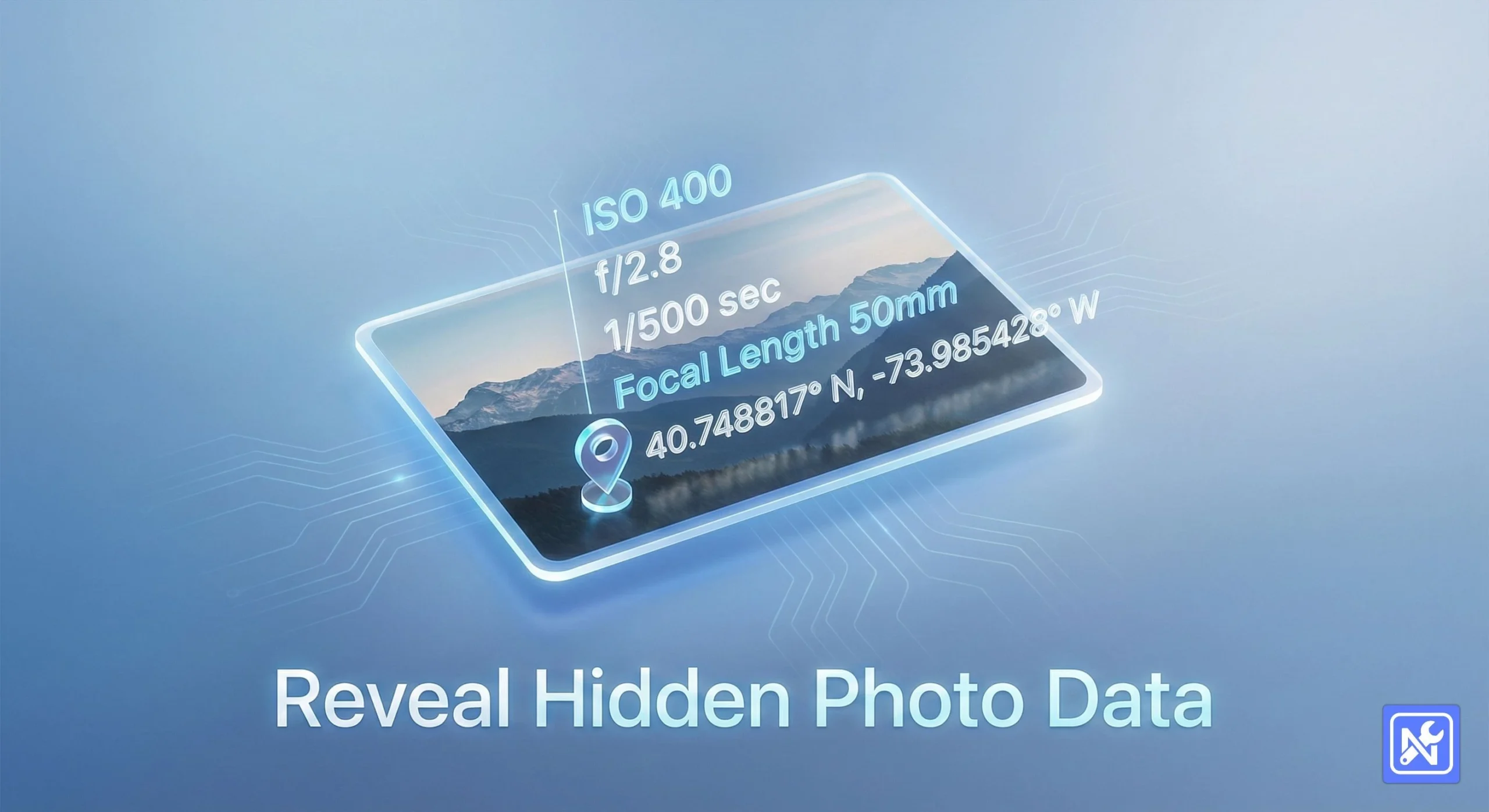
Most of us know that a photo is just pixels, right? Well, not exactly. Digital images carry a backpack of hidden information—camera settings, shutter speeds, and sometimes, scary enough, your exact GPS coordinates. To see this, you need a reliable online EXIF viewer.
But here’s the thing: most tools out there require you to upload your personal photos to their servers just to read that text. Do you really want to send your family vacation photos or proprietary work to a random server in a data center halfway across the world?
I didn’t think so. That’s why we built a solution that runs entirely in your browser.
The Hidden Layer of Your Photography
Before we get into the “how-to,” let’s briefly chat about what EXIF actually is. It stands for Exchangeable Image File Format.
Think of it as the digital fingerprint of your image. Every time your smartphone or DSLR snaps a picture, it stamps the file with technical details. This is incredibly useful for photographers who want to learn from their mistakes or replicate a specific style.
However, it’s a double-edged sword. If you’re posting photos online without checking the metadata first, you might be broadcasting exactly where you live or work.
Why “Client-Side” Matters for Your Privacy
Honestly, this is the most important part of this guide.
When you use a typical online EXIF viewer, the process usually looks like this:
- You select your photo.
- The website uploads your photo to their cloud server.
- Their server reads the file.
- They send the text results back to you.
That second step? That’s the danger zone. Once a file leaves your device, you’ve lost control of it.
At NasajTools, we do things differently. We use client-side technology. This means the code that reads your image runs right inside your own Chrome, Firefox, or Safari browser. Your photo never leaves your computer. It isn’t uploaded, stored, or seen by us.
You get the convenience of a web tool with the security of offline software.
How to View Metadata with NasajTools
Ready to see what’s hiding in your JPEGs? It’s ridiculously simple. You don’t need to install heavy software or register for an account.
- Open the Tool: Head over to our privacy-focused EXIF viewer here.
- Select Your Image: You can drag and drop your image directly onto the box, or click to browse your files. We support standard formats like JPG, JPEG, PNG, and more.
- Instant Analysis: Because there is no uploading involved, the results appear instantly. No progress bars, no waiting for slow internet connections.
- Read the Data: Scroll through the structured table to see everything from the camera make and model to the specific lens used.
It’s fast, free, and totally private.
What Data Can You Actually See?
Depending on the camera you used, an online EXIF viewer can reveal a treasure trove of info. Here is what you’ll typically find:
- Exposure Settings: The “Holy Trinity” of photography—ISO, Aperture (f-stop), and Shutter Speed.
- Equipment: The specific camera body and lens model.
- Date & Time: The exact second the shutter was pressed.
- GPS Coordinates: Latitude and longitude (if location services were on).
- Software: Did you edit this in Photoshop or Lightroom? It often says so here.
If you are curious about the technical standards behind these tags, the CIPA organization handles the official specs, but our tool translates that tech-speak into readable English.
When Should You Check EXIF Data?
You might be asking, “Why do I need this?” Here are a few scenarios where this tool is a lifesaver:
- Learning Photography: You took a blurry photo. Check the metadata to see if your shutter speed was too slow.
- Used Gear Shopping: If someone sends you a sample photo from a camera they are selling, you can verify the shutter count or camera model.
- Privacy Audits: Before sharing a photo of your home on social media, use our online EXIF viewer to make sure there are no GPS coordinates attached.
Frequently Asked Questions
The Verdict: Speed Meets Security
We live in an era where data privacy is vanishing. It feels like every app wants access to your location, your contacts, and your files. We believe your creative tools shouldn’t be part of that problem.
Whether you are a professional photographer analyzing exposure settings or a privacy-conscious user checking for GPS leaks, you need a tool you can trust.
So, go ahead. Try the NasajTools EXIF reader today. It’s the safest way to peek under the hood of your photographs without handing the keys over to a stranger.